

How to Detect & Fix Revenue Leaks on Your Magento Store
Magento revenue leaks rarely arrive with sirens and flashing lights. More often, they hide in slow category pages, brittle checkout customizations, stale indexers, broken promos, and third-party scripts that quietly chip away at conversion. That matters because Baymard puts the global average cart abandonment rate at 70.19%, while Google and Deloitte found that a 0.1-second mobile speed improvement correlated with an 8.4% increase in retail conversions and a 9.2% increase in average order value.
For Magento teams, the goal is not just “optimize the funnel.” It is to spot where money is leaking out of the funnel in the first place, then fix the leaks in order of business impact. Here are the nine places to look first.
1. Slow category, product, and checkout pages
Adobe says disabled cache types can make the checkout page load slowly and reduce overall site responsiveness. Its indexer guidance also warns that frequent reindexing in Update on Save mode can degrade database performance and slow the storefront, especially on larger stores with heavy traffic or frequent catalog changes.
How to detect it: monitor PLP, PDP, cart, and checkout speed by device and traffic source, then compare those shifts against add-to-cart rate, checkout starts, and completed orders. Webeyez customer stories show this is not theoretical: Diane von Furstenberg found slow PLP load times were one of the major friction points affecting shoppers.
How to fix it: re-enable any mistakenly disabled cache types, move eligible indexers to Update on Schedule, and audit heavy scripts or extensions that are bloating render time. In Magento, “fast enough” is usually not a vibe. It is an operations discipline.
2. Checkout friction that looks like “customer hesitation”
Baymard reports that 18% of US online shoppers have abandoned an order because the checkout was too long or too complicated, and its benchmark shows the average US checkout displays 23.48 form elements by default. In other words, plenty of abandonment is still self-inflicted.
How to detect it: break checkout into micro-steps—shipping, payment, review, place order—and pair drop-off data with session replay so you can see where people hit validation errors, login walls, or confusing messaging. Webeyez’s journey analytics layer includes goal failure reporting, funnel tracking, and session-level recordings specifically for this kind of root-cause work.
How to fix it: remove non-essential fields, protect guest checkout where appropriate, and rewrite vague or technical error messages into something a human would actually understand. In a public Webeyez case study, EZContacts improved the buying flow by allowing customers to purchase without logging in and by fixing confusing error messages on the Place Order page.
3. Payment failures masquerading as abandonment
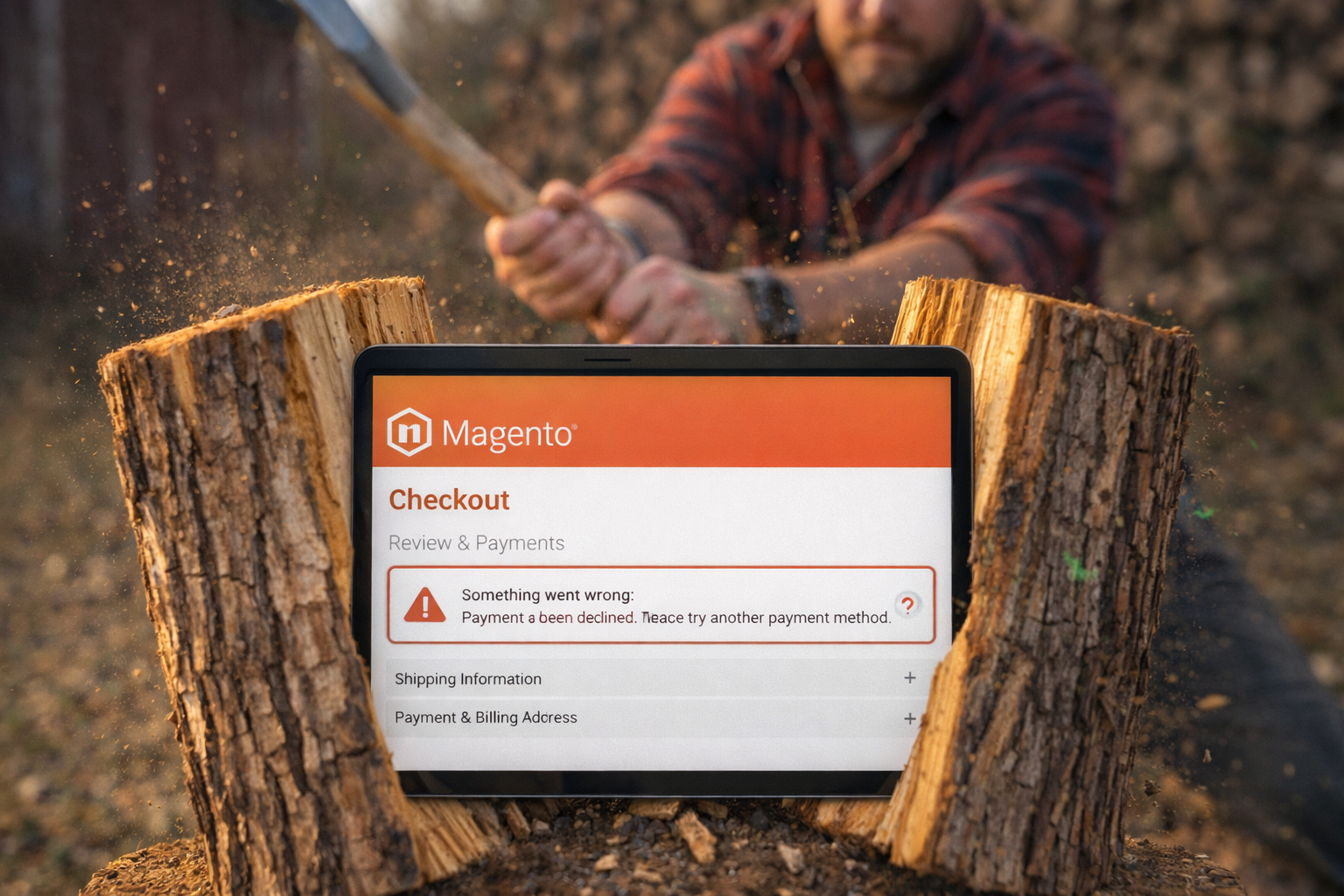
Adobe’s Payment Services documentation makes a useful point: payment operations need active oversight, with clear configuration, sandbox testing, production setup, and reporting across storefronts. When payments fail, the customer often looks exactly like a standard abandoner in surface-level analytics. Sneaky, expensive, and annoyingly common.
How to detect it: create a distinct payment-failure event and separate “left voluntarily” from “couldn’t complete payment.” Webeyez publicly describes support for goal dashboards, failure reporting, and event tracking such as Add to Cart and Payment Failure, plus real-time alerts when issues occur.
How to fix it: regression-test gateways after every extension update, PHP change, or connector release, and create backup payment paths for important geographies. In one Webeyez case study, Jomashop tied a place-order/payment issue for some international shoppers to a 37% decline in conversion rate after one failure, then reduced the leak by implementing a backup payment gateway.
4. Coupon and promo logic breaking at the moment of intent
Adobe says coupon codes in Magento are controlled by cart price rules, and it recommends assigning different priorities so discounts apply in the intended order and do not stack in unexpected ways. That sounds operational. It is also revenue-critical.
How to detect it: compare coupon apply attempts to successful redemptions, then segment failures by code, device, customer group, and traffic source. Sudden spikes after merchandising changes are a giant neon sign that something broke.
How to fix it: audit cart rule conditions, date ranges, priorities, and exclusions every time a promotion changes. Webeyez’s Jomashop case study says a misconfigured coupon code was costing the retailer $420K in sales from failed redemption attempts before the team patched it.
5. Search and “no results” pages turning into dead ends
Baymard’s 2024 benchmark found that 41% of sites fail to fully support eight common ecommerce search query types, and nearly 50% of sites fail to provide effective recovery paths on no-results pages. Adobe’s Live Search guidance adds that low-quality product data leads to low-relevance search results, while synonyms, autocomplete, and facets help improve relevance and discoverability.
How to detect it: track exits from internal search, no-results page abandonment, and the gap between search use and product views. Then inspect the actual queries shoppers typed before they disappeared.
How to fix it: improve searchable attributes, attribute weighting, synonyms, autocomplete, facets, and product-data hygiene. On Magento, weak search rarely means “customers do not know what they want.” It usually means the store is not helping them find it.
6. Stock, salable quantity, and out-of-stock leakage
Adobe says its Source Selection Algorithm and reservations system are designed to keep salable quantities updated and checkout free of collisions, while the Inventory CLI includes commands specifically for checking and resolving reservation inconsistencies that affect salable quantity.
How to detect it: look for product pages with strong traffic and high intent but abnormal drop-off around availability, cart, or shipping selection. If you run multi-source inventory, inspect reservation inconsistencies and out-of-stock paths closely. Internal Webeyez materials also emphasize that inventory-related friction often hides deep in the journey where standard analytics rarely explain why the customer abandoned.
How to fix it: validate salable quantity logic, audit reservations, and make out-of-stock states recoverable with substitutes, related products, or nearby availability. Jomashop’s public case study says a broken redirect on out-of-stock products was costing the business $90K in lost revenue per week until the team replaced the dead-end behavior with related product suggestions.
7. Cron, indexers, and cache drift
Adobe’s cron documentation says Magento uses scheduled jobs for store operations including email, catalog price rules, newsletters, XML sitemap generation, currency rate updates, and inventory management, and that core components—and some third-party extensions—must be installed in crontab to function as expected. Its guidance also recommends background indexing and warns that unnecessary full reindexing can hurt performance during business hours.
How to detect it: treat cron health, indexer status, and cache status as revenue monitoring, not just admin housekeeping. Check for overdue cron jobs, invalid indexes, frequent full reindexing, and disabled cache types when performance or conversions dip unexpectedly.
How to fix it: make sure cron is properly installed, keep indexers on schedule where appropriate, and avoid manual or extension-triggered full reindexing during peak trade. Magento may run on code, but too many conversion problems start in the plumbing.
8. Third-party extensions and front-end errors
Adobe is refreshingly blunt here: third-party extensions can cause issues that negatively impact storefront performance, so merchants should buy from trusted sources, keep extensions updated, and verify compatibility before upgrades. It also notes that third-party modules can trigger full reindexing and performance degradation.
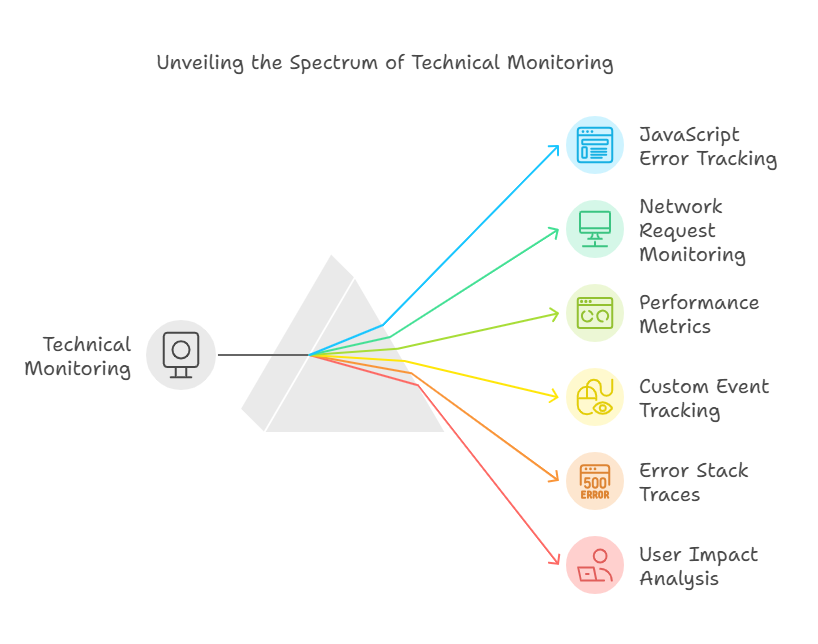
How to detect it: monitor JavaScript errors, failed AJAX calls, third-party tags, connector failures, and version-related issues after releases. In the EZContacts story, Webeyez was used to monitor failed AJAX calls, login failures, 404s, and JavaScript errors; in Jomashop’s case, a connector-related error was tied to $40K in lost revenue before it was patched.
How to fix it: give extensions a proper release process, with staging tests on the exact checkout, promo, search, and payment flows that make you money. “It passed QA” is lovely. “It passed on the revenue path” is better.
9. 404s, broken redirects, and stale acquisition links
Baymard’s no-results research shows that dead ends often lead directly to abandonment. The same logic applies to 404 pages and broken redirects: once a shopper hits a dead end, recovery gets much harder.
How to detect it: monitor 404 volume by landing page, campaign source, product page, and out-of-stock path. Then review the sessions behind the spike rather than just admiring the red line on a dashboard.
How to fix it: implement 301 redirects for retired URLs, repair broken internal links, and make any unavoidable error page offer strong next actions. Webeyez case studies cite multiple real-world examples here: EZContacts fixed “page not found” errors with redirects, DVF found old content links driving customers to 404 pages, and Jomashop discovered a broken out-of-stock redirect that was bleeding revenue.
Why Webeyez is a strong go-to fit for Magento teams
Magento teams rarely need another passive analytics dashboard. They need a way to connect what broke, why it broke, who it affected, and what it is costing. That is exactly how Webeyez describes its customer journey analytics layer, with root-cause analysis, goal failure reporting, session recordings, event tracking, and real-time alerts across the journey.
It is also a practical fit for Magento operations. Webeyez’s public site says it has a native Magento integration, while internal Webeyez materials in this workspace describe GTM-based deployment, “one-click installation,” and coverage for site performance issues, goal failures, user journeys/funnels, third-party tools, technical anomalies, session recording, and real-time alerts for site speed, goal failures, and technical anomalies.
That does not mean Webeyez replaces every Magento or Adobe Commerce tool in your stack. It means it gives growth, ecommerce, and product teams a clearer operational view of where revenue is leaking so they can fix the highest-impact issues first—which is a much more useful trick than just knowing conversion is down and squinting at GA4.
Final takeaway
The fastest way to recover revenue on Magento is not “run more tests.” It is to find the places where the store is silently failing customers: slow pages, fragile checkout flows, payment errors, broken promos, bad search, inventory mismatches, cron drift, extension conflicts, and dead-end URLs. The teams that win are the ones that monitor those leaks continuously and prioritize fixes by business impact, not by whoever shouts loudest in Slack.
👉Sources
- Baymard Institute, Cart & Checkout Usability Research. https://baymard.com/research/checkout-usability
- Baymard Institute, Cart Abandonment Rate Statistics. https://baymard.com/lists/cart-abandonment-rate
- Think with Google / Deloitte, Milliseconds Make Millions. https://www.thinkwithgoogle.com/_qs/documents/9757/Milliseconds_Make_Millions_report_hQYAbZJ.pdf
- Baymard Institute, The 8 Most Common Search Query Types.
- Baymard Institute, No Results Pages and Search Recovery.
- Adobe Experience League, Cron (scheduled tasks).
- Adobe Experience League, Best practices for indexer configuration.
- Adobe Experience League, Source algorithms and reservations. https://experienceleague.adobe.com/en/docs/commerce-admin/inventory/basics/selection-reservations
- Adobe Experience League, Live Search Best Practices.
- Adobe Experience League, Extensions best practices.
- Adobe Experience League, Enable cache to avoid performance degradation.
- Adobe Experience League, Inventory Management CLI reference.
- Adobe Experience League, Stocks and sources.
- Adobe Experience League, Payment Services guide.
- Adobe Experience League, Coupon codes and Create a cart price rule.
- Adobe Experience League, Slow performance due to full reindexing.
- Webeyez, Customer Journey Analytics for eCommerce.
- Webeyez, Home and Magento pages.
- Webeyez, How EZContacts created a frictionless customer experience using Webeyez.
- Webeyez, The hidden roadblocks of today’s customer journey and how to fix them.
- Webeyez, Jomashop Case Study. https://www.webeyez.com/wp-content/uploads/2024/01/Jomashop-Case-Study-1.pdf
- Internal workspace source, Webeyez GTM Implementation Guide – Currency Transfer (1).pdf.
- Internal workspace source, Webeyez Agreement – template.docx.pdf.
- Internal workspace source, When One Missing Item Kills the Basket.