

Running a WooCommerce Store? Here’s What you should know
POV: Last Tuesday, late evening, the eCommerce manager of a high-end brand – running on WooCommerce – got an email alert from Webeyez.
Their store, pulling in over 750K monthly visits, had just crossed the payment failure threshold.
At first, nothing looked off – traffic was steady, campaigns running smooth. But the Webeyez Customer Success team jumped in and started digging.
Within minutes, the session recordings told the real story: rapid checkout attempts, failed payments every few seconds, credit card numbers being tested in sequence.
Not frustrated customers.
Not technical hiccups.
A live card-testing attack – automated, aggressive, and happening right on their checkout.
And honestly, this is the part most eCommerce teams never see.
Because when you run a WooCommerce store, revenue leaks rarely announce themselves loudly. They hide inside payment flows, plugin conflicts, third-party integrations, mobile friction, and checkout behavior that standard analytics tools simply can’t explain.
Most of the time, brands only discover the issue after conversion rates drop, support tickets pile up, or customers start disappearing.
The reality is: WooCommerce gives brands incredible flexibility – but that flexibility also creates complexity. Every plugin, payment gateway, app, script, and customization introduces another potential failure point.
And in modern eCommerce, even small issues can become expensive fast.
A slow checkout response.
A broken coupon.
A failed payment flow.
A hidden JavaScript error.
A malicious bot attack.
Individually, they may seem minor. But at scale, they quietly drain revenue every single day.
That’s exactly why proactive monitoring and real-time customer journey visibility have become critical for WooCommerce brands trying to protect conversion rates and maximize revenue.
WooCommerce Is Powerful – But It’s Also Complex
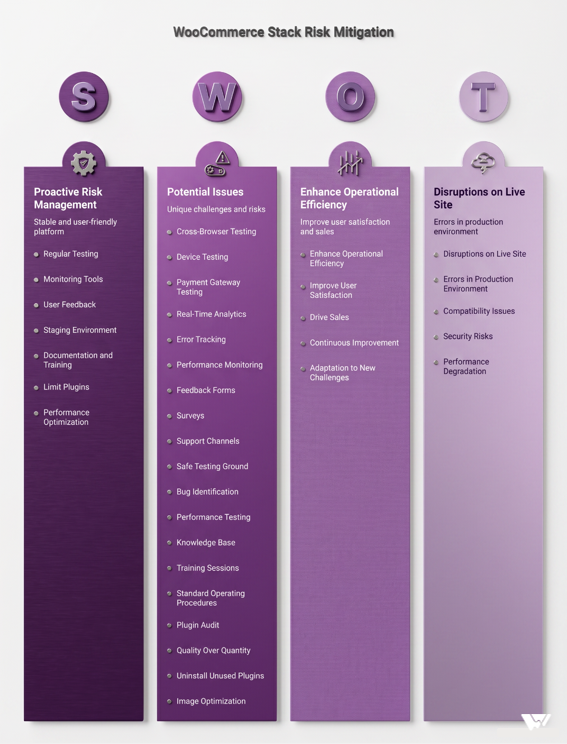
WooCommerce powers millions of online stores globally because it gives brands flexibility and ownership. But unlike closed ecosystems, WooCommerce environments are highly customizable – and that creates operational risk.
A typical WooCommerce stack may include:
- 20-80 plugins
- Multiple payment gateways
- Third-party checkout tools
- Marketing pixels
- Loyalty systems
- Fraud-prevention services
- Shipping integrations
- Subscription or membership layers
Every additional integration creates another possible failure point.
And the hardest part?
Many issues affect only a small percentage of users:
- One browser version
- One mobile device
- One payment provider
- One traffic source
- One plugin interaction
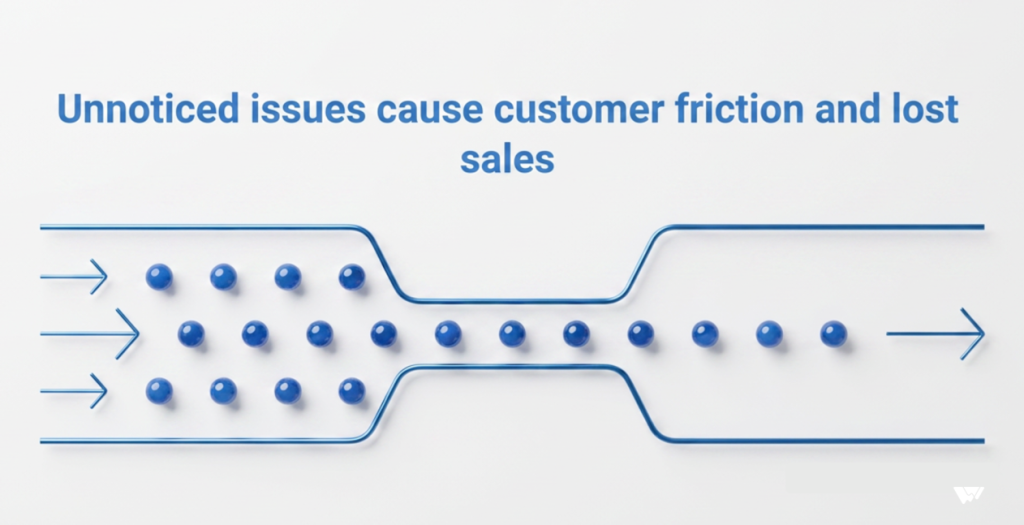
Meaning: your team may not notice the issue internally while thousands of customers are already experiencing friction.
The Revenue Problem Is Bigger Than Most Teams Think
The average documented cart abandonment rate in eCommerce is now 70.22%, according to Baymard Institute research analyzing dozens of checkout studies.
Even more concerning:
- Mobile cart abandonment rates now exceed 85% in many industries.
- 63% of mobile eCommerce sites still deliver “mediocre or worse” checkout UX experiences.
- Baymard researchers identified more than 2,700 checkout usability issues during live testing of major eCommerce brands.
And while not every abandoned cart is recoverable, a meaningful portion is directly tied to preventable friction:
- Payment failures
- Slow load times
- Checkout confusion
- Mobile UX issues
- Technical errors
- Hidden performance degradation
In other words: many WooCommerce stores are leaking revenue without realizing it.
The Most Dangerous WooCommerce Issues Are Usually Invisible
The biggest misconception in eCommerce is that “if something breaks, customers will report it.”
They usually won’t.
Customers don’t open support tickets because:
- Apple Pay froze
- Checkout took 4 seconds too long
- Autofill failed on mobile
- Coupon validation broke
- Payment authorization timed out
- A JavaScript error blocked “Place Order”
They leave.
One Reddit store owner described discovering that users repeatedly clicked “Place Order” because the checkout gave no visible feedback for 1.5 seconds after submission.
Another found that mobile product pages loaded slowly enough to frustrate users before they even reached checkout – and fixing load time increased conversion rates by 22% within a week.
These aren’t dramatic outages.
They’re micro-frictions.
But at scale, micro-frictions become major revenue loss.
The 7 Most Common Revenue Leaks in WooCommerce Stores
1. Payment Failures That Look Like Normal Drop-Off
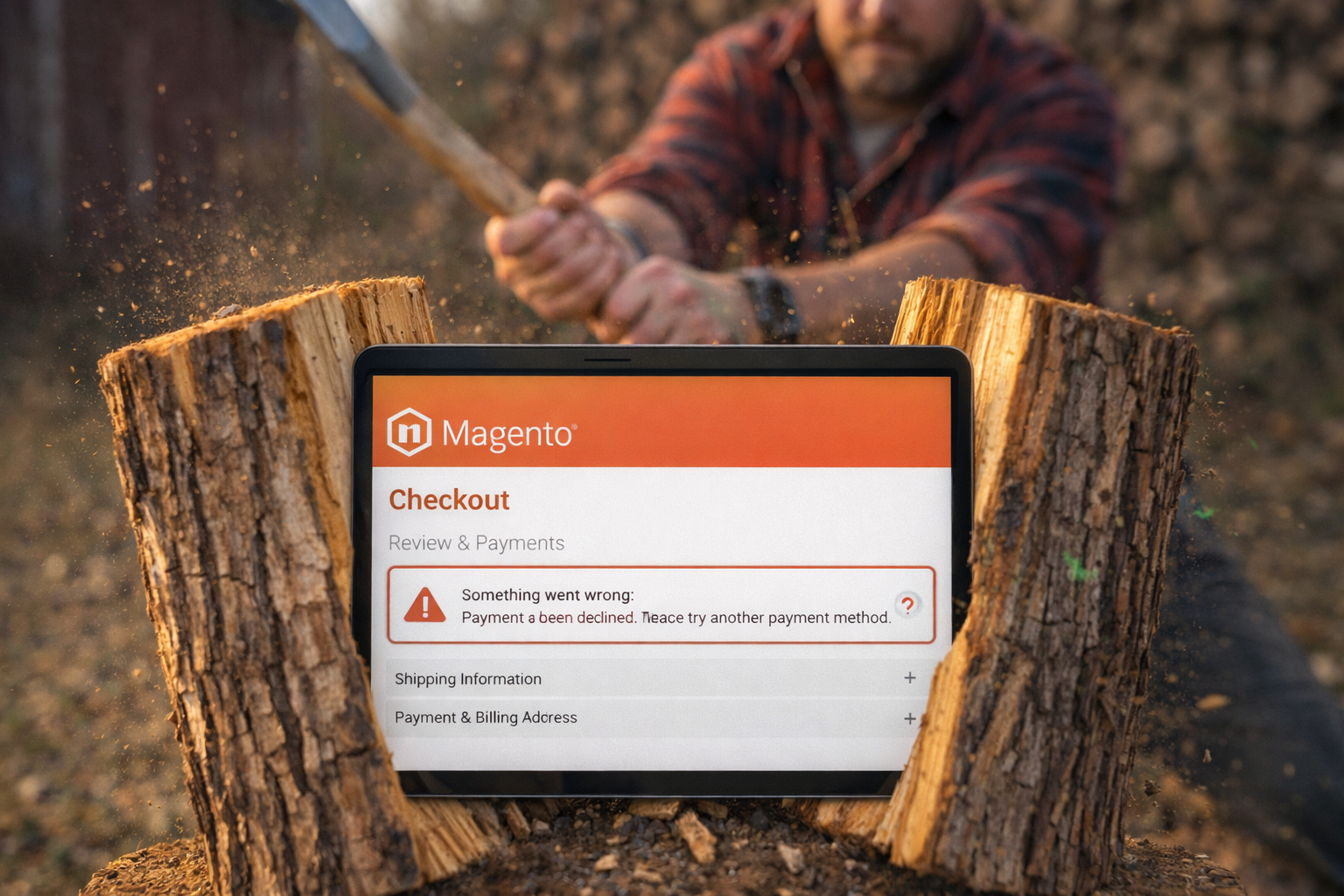
Payment issues are among the highest-impact conversion killers in WooCommerce.
They may come from:
- Fraud attacks
- API instability
- Gateway timeouts
- Plugin conflicts
- Authentication failures
- Bank declines
- 3D Secure interruptions
From the customer perspective, it simply feels broken.
And many stores don’t detect the issue until failure rates cross a dangerous threshold.
2. Mobile Checkout Friction
Mobile commerce now represents the majority of eCommerce traffic and sales.
Yet mobile checkout remains one of the weakest experiences across online retail.
Research shows:
- Mobile abandonment rates exceed desktop significantly.
- Long forms, hidden costs, and forced account creation are still among the biggest abandonment triggers.
Common WooCommerce mobile issues include:
- Poor autofill support
- Tiny tap areas
- Delayed checkout buttons
- Redirect-heavy payment flows
- Popups blocking checkout actions
- Slow page rendering
3. Plugin Conflicts After Updates
WooCommerce flexibility comes at a cost:
plugin ecosystems are fragile.
A single extension update can:
- Break checkout validation
- Interrupt tracking
- Slow cart rendering
- Conflict with payment providers
- Cause intermittent failures
And because these bugs often affect only a subset of users, they’re notoriously difficult to catch manually.
4. Slow Checkout Performance
Performance issues don’t need to crash your site to hurt conversion.
Even small delays during checkout create measurable drop-off.
Baymard research continues to show checkout UX and performance directly influence abandonment behavior.
WooCommerce stores are especially vulnerable because:
- Plugins add JavaScript weight
- Third-party apps increase requests
- Dynamic carts stress servers
- Shared hosting creates bottlenecks
During campaigns or peak traffic, these issues often become significantly worse.
5. Broken Promotions & Coupon Logic
Promotions are supposed to increase conversion.
Instead, many stores accidentally create friction through:
- Invalid coupon states
- Expired promotions
- Checkout discount conflicts
- Mobile coupon UX failures
- Hidden promo-field distractions
Baymard data shows unexpected costs and checkout confusion remain among the top abandonment reasons globally.
6. Forced Account Creation & Long Checkout Flows
One of the oldest conversion killers still exists everywhere:
forcing users to create accounts before purchase.
Research consistently ranks mandatory account creation among the leading checkout abandonment triggers.
Combined with:
- Too many form fields
- Poor validation messaging
- Multi-step checkouts
- Unclear shipping information
…the experience quickly becomes exhausting for customers.
7. Hidden JavaScript Errors
Some of the most expensive WooCommerce issues are completely invisible in traditional analytics.
Examples include:
- “Add to Cart” failing silently
- Checkout forms freezing
- Payment buttons becoming unresponsive
- Browser-specific rendering failures
- Mobile-only JavaScript conflicts
These issues may affect only 2-5% of sessions.
But for high-volume stores, that can translate into thousands of lost orders.
Why Traditional Analytics Aren’t Enough Anymore
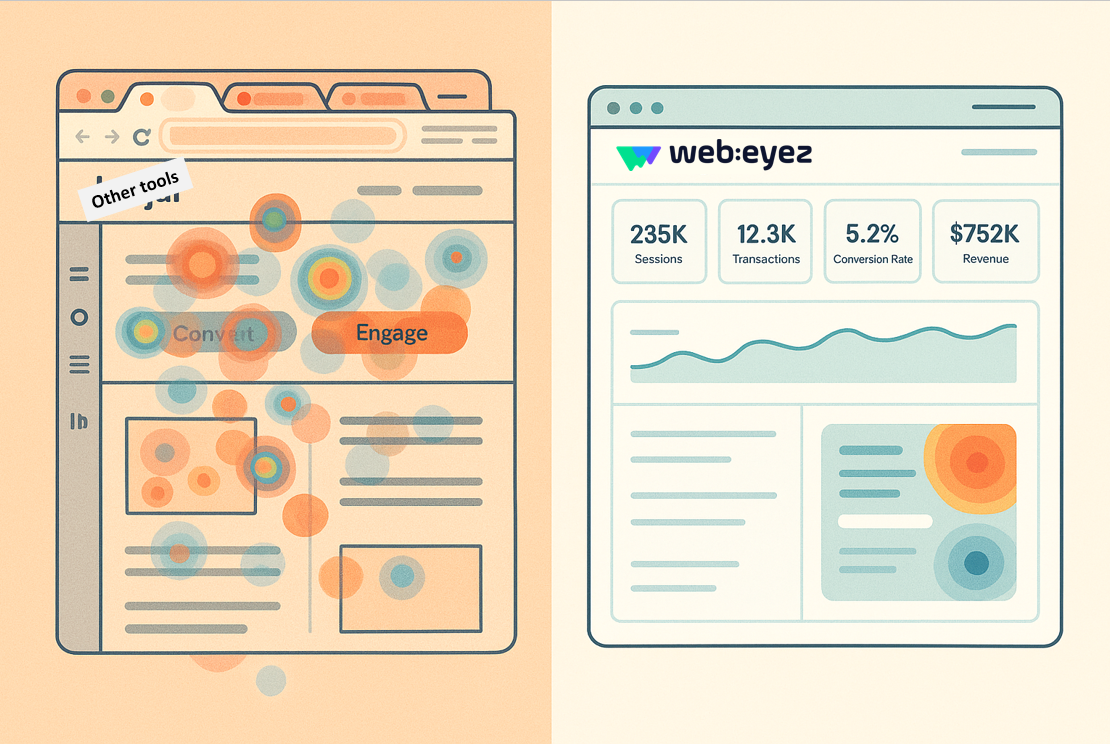
Google Analytics can show you funnel drop-off.
Heatmaps can show rage clicks.
Session replay tools can help investigate individual sessions.
But modern eCommerce teams need more than isolated observations.
They need:
- Real-time alerts
- Revenue impact quantification
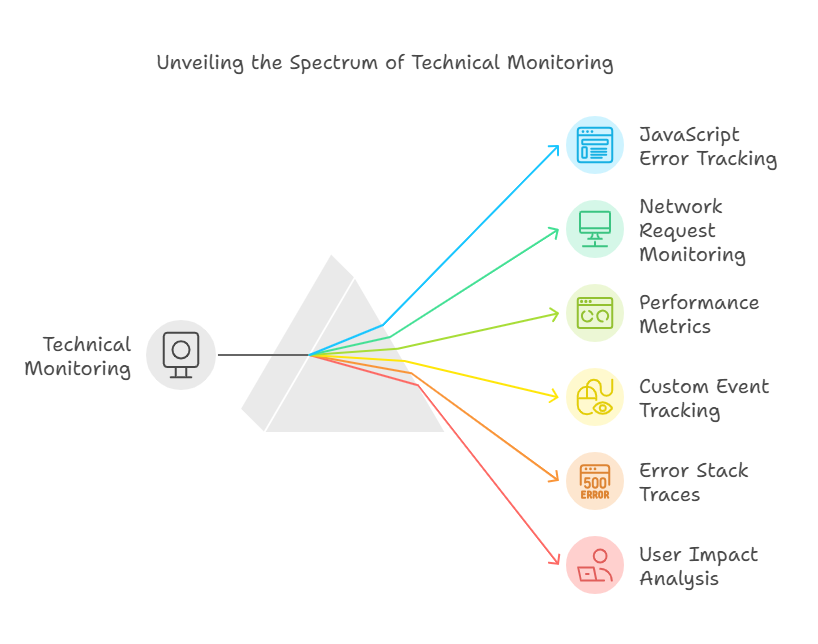
- Technical issue detection
- Customer journey visibility
- Cross-device monitoring
- Automated anomaly detection
Because the real question isn’t:
“Did customers abandon?”
It’s:
- Why did they abandon?
- Which issue caused it?
- How much revenue is at risk?
- Is this happening right now?
- Which traffic sources are being wasted?
That’s the difference between passive analytics and proactive digital monitoring.
The Highest-Performing WooCommerce Brands Operate Differently
The best eCommerce teams no longer treat checkout monitoring as “technical maintenance.”
They treat it as revenue protection.
They:
- Monitor customer journeys in real time
- Detect anomalies immediately
- Prioritize issues by revenue impact
- Watch actual user sessions
- Audit checkout performance constantly
- Review mobile experiences separately
- Align marketing, UX, support, and dev teams around conversion health
Because modern eCommerce growth isn’t only about driving more traffic.
It’s about leaking less revenue from the traffic you already paid for.
Final Thoughts
WooCommerce gives brands incredible flexibility and growth potential.
But flexibility without visibility creates blind spots.
And those blind spots are expensive.
The brands winning in eCommerce today aren’t just the ones spending more on acquisition.
They’re the ones detecting friction faster, fixing issues earlier, and protecting conversion rates before revenue drops become visible in reports.
Because most revenue leaks don’t start with catastrophic outages.
They start with:
- one failed payment,
- one slow mobile interaction,
- one broken plugin,
- one checkout delay,
- or one invisible error quietly affecting customers in the background.

Want to see what’s really happening inside your WooCommerce customer journey?
Explore how Webeyez helps eCommerce teams detect technical issues, monitor checkout behavior in real time, and uncover hidden revenue leaks before they become expensive.