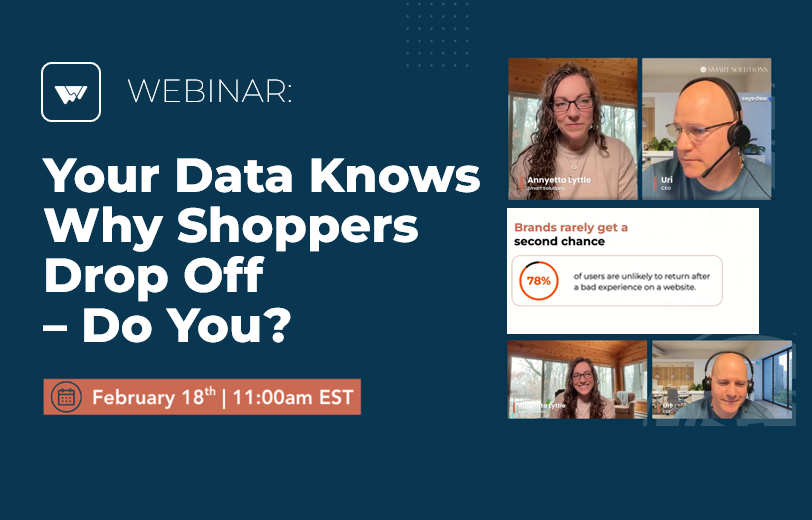


Webinar Recap: Your Data Knows Why Shoppers Drop Off
– Do You?
In this recent webinar session, we tackled a question that’s quietly costing eCommerce brands millions: If your data already shows drop-offs, why don’t you know what’s causing them?
What started as a discussion about friction quickly turned into a deeper conversation about blind spots in analytics, hidden technical errors, and the revenue impact of small experience failures. Below is a recap of the key insights, questions, and practical takeaways shared during the session.
“Can’t We Just See This in GA4?”
One of the first questions during the live Q&A set the tone:
“Can’t we just get this information from GA4?”
It’s a fair question. Most teams already have dashboards, funnels, and attribution reports.
Here’s the difference:
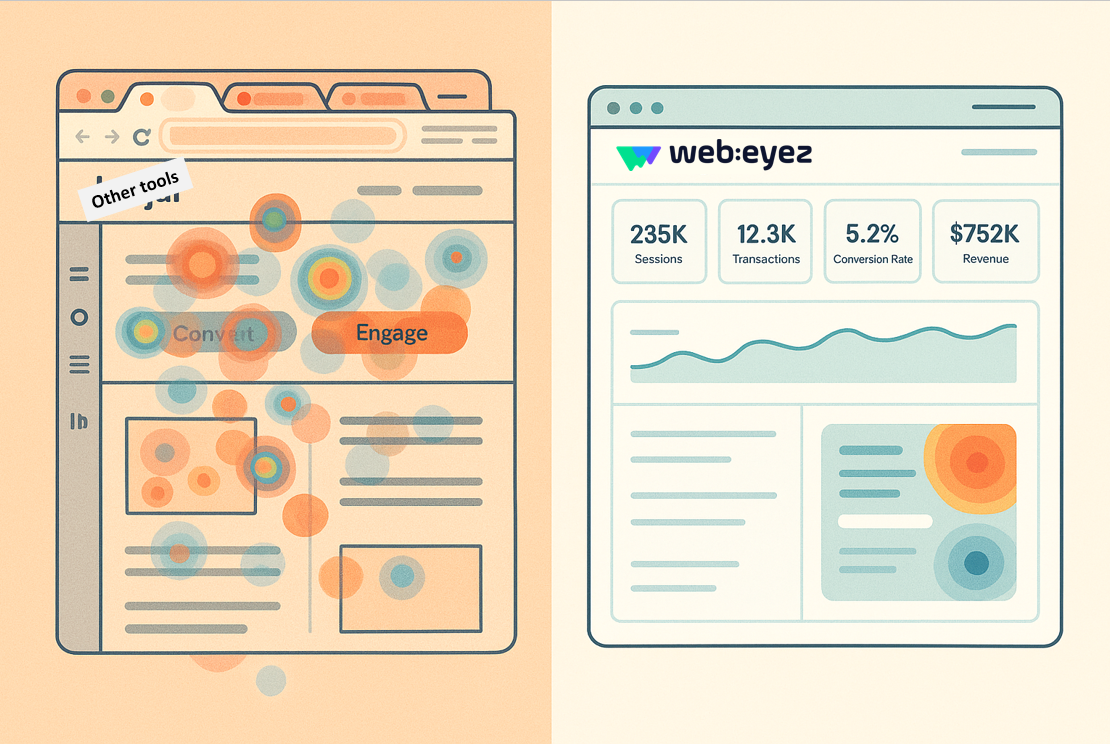
GA4 shows you where users drop off.
It doesn’t show you why.
You’ll see:
- 25% drop between product page and Add to Cart.
- Checkout abandonment spikes.
- Lower-than-expected conversion rates.
But you won’t see:
- A JavaScript error breaking Add to Cart.
- A failed API call during checkout.
- A coupon validation error frustrating shoppers.
- A payment gateway false positive.
- A page that loads just slowly enough to reduce intent.
Funnels show symptoms.
Friction analysis shows root cause.
And root cause is where revenue gets recovered.
The Reality: 100% of Brands Lose Revenue to Friction
Across more than 1 billion behavioral data points analyzed in the session, one pattern was consistent:
Every brand was losing revenue due to friction.
Not some brands. All of them.
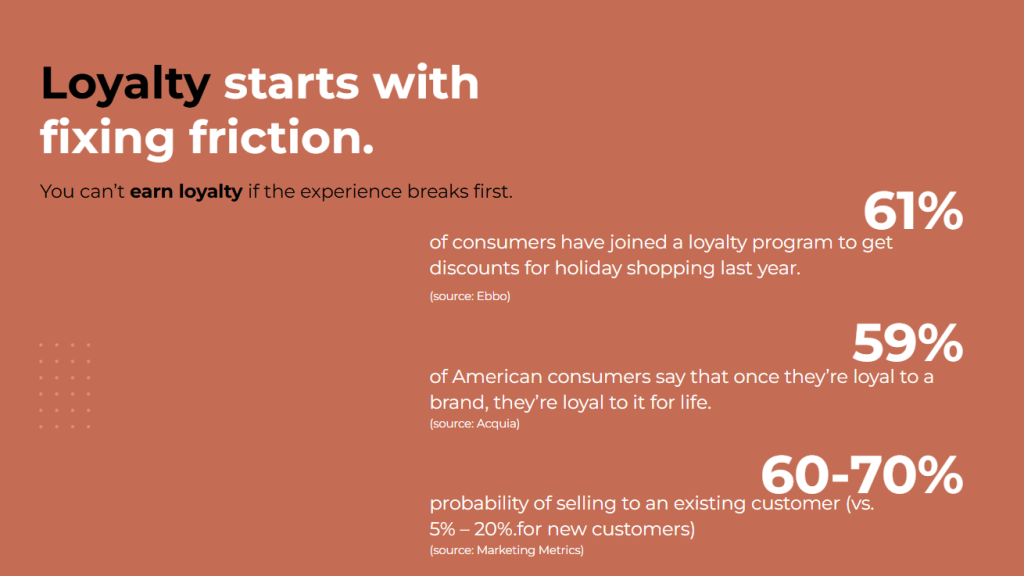
And 78% of users are unlikely to return after a bad experience.
Friction isn’t just a UX issue. It’s a revenue and retention issue.
Where Revenue Actually Leaks
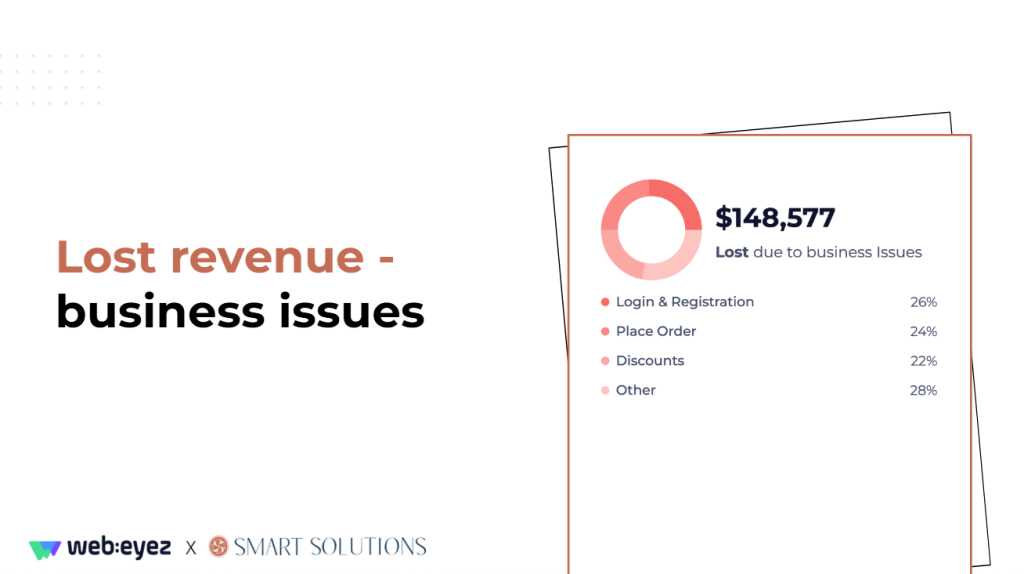
During the webinar, friction was broken into two major categories:
1️⃣ Business Friction
(Usability and flow issues)
Examples include:
- Login failures
- Password reset issues
- Coupon codes that don’t apply
- Overly strict shipping validations
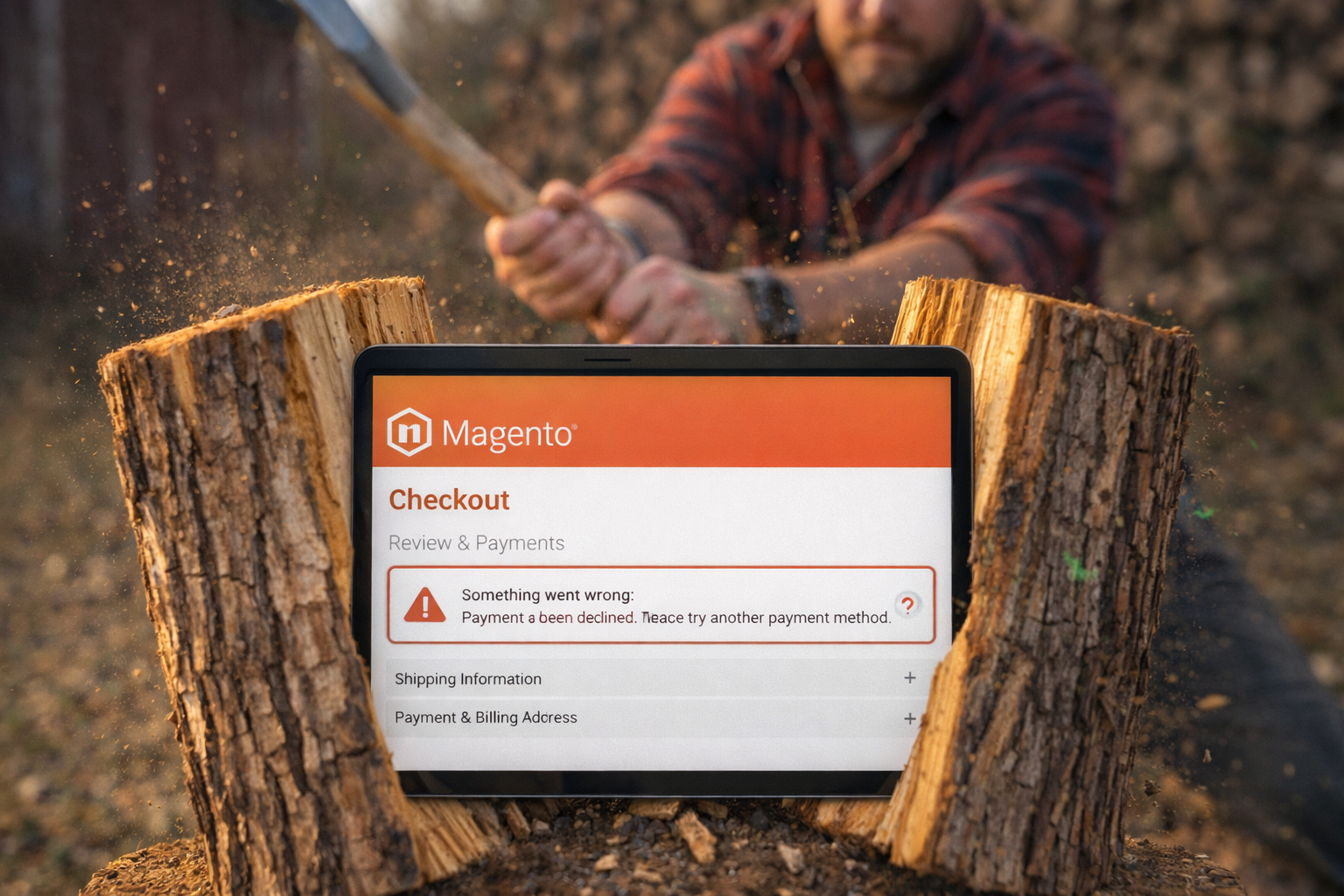
- Payment declines
- Search returning zero results
One stat that stood out: a significant portion of users fail login on the first attempt – not because the system is broken, but because the experience is clunky.
And when shoppers struggle, they don’t wait around.
Practical fixes discussed:
- Social login options
- One-time passwords or magic links
- Clear coupon messaging
- More flexible payment options
- Smarter validation rules
- Support prompts at checkout friction points
Sometimes revenue recovery isn’t about redesigning the funnel – it’s about removing unnecessary roadblocks.
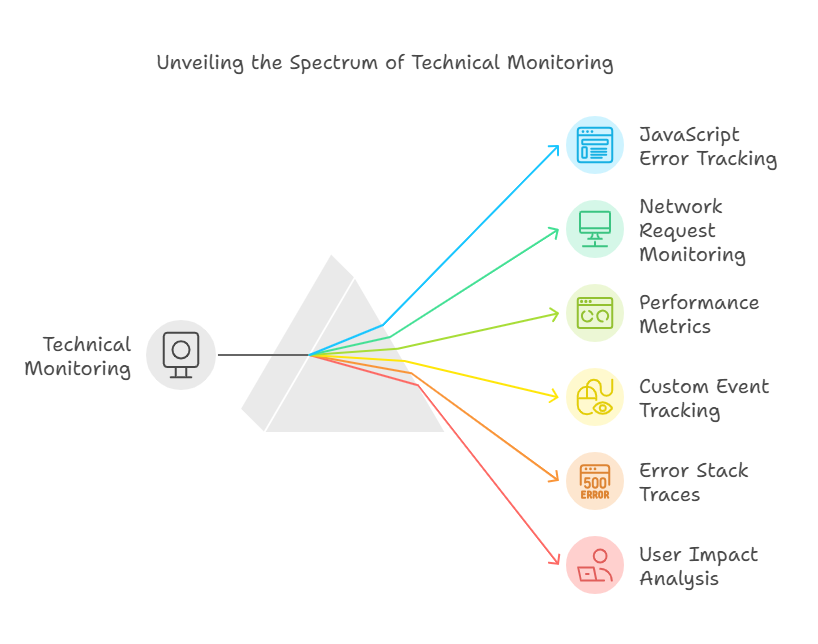
2️⃣ Technical Friction
(The silent killers)
From the data presented:
- JavaScript errors accounted for the majority of tech-related lost revenue.
- Core Web Vitals directly affected both user experience and acquisition performance.
- Failed API calls disrupted key actions like cart updates and checkout
.
These issues don’t always trigger support tickets.
They simply lower conversion – quietly.
Common causes:
- Unused third-party scripts left in Tag Manager.
- Checkout scripts throwing errors.
- Heavy product images slowing load time.
- Server call failures during payment.
The takeaway wasn’t “optimize once.”
It was continuous performance hygiene.
Monitor errors by funnel stage (start with checkout).
Remove unused scripts.
Optimize high-traffic pages first.
Set real-time alerts.
The Physical Store Comparison That Hit Home
A simple analogy from the session reframed everything:
In a physical store:
- If a card declines, the cashier offers another method.
- If something’s out of stock, someone checks the back.
- If the door doesn’t open, it gets fixed immediately.
Online?
If login fails three times…
If checkout errors out…
If a coupon doesn’t apply…
Customers leave.
There’s no human safety net.
The goal isn’t more dashboards.
It’s restoring awareness – digitally and at scale.
“How Do We Make This Ongoing?”
Another key Q&A moment focused on process:
How do we turn friction monitoring into an ongoing practice?
The recommended approach:
- Review friction data every 2–4 weeks.
- Separate urgent alerts from sprint planning.
- Quantify impact before prioritizing.
- Align business and technical teams around measurable fixes.
When friction monitoring becomes part of your operating cadence, you stop reacting to revenue drops and start preventing them.
The Mindset Shift That Changes Everything
The final takeaway was less technical and more cultural.
If you can’t tie data to action, it’s just noise
The shift looks like this:
- Track friction intentionally – not just conversion.
- Quantify impact (how many users? how much revenue?).
- Prioritize based on magnitude and business value.
- Set alerts before issues impact revenue.
- Build a repeatable resolution process.
Because guessing is expensive.
Want the Full Breakdown?
This recap covers the highlights – but the full webinar dives deeper into:
- Real revenue impact examples
- How friction is quantified
- Business vs. technical prioritization
- Live use cases across industries
If you’re serious about identifying where revenue is slipping through the cracks:
👉 Watch the full webinar recording.
Your data already knows why shoppers drop off. Do you?
🧠 Talk to us
We’re friendly, professional, and we take your success seriously. Drop us a line – we promise we don’t bite, and we respond quickly.
👉Contact our support team: [email protected]
👉Contact our sales team: [email protected]