

Beyond Heat Maps: Why eCommerce Teams Are Switching from Hotjar to Webeyez
Target Audience: eCommerce Marketing & Product Teams Managing Multi-Domain Operations
“I really enjoy working with your team. The way you work together in evaluating when errors pop up is super helpful. If there was a heat map where we could leverage the behavior we’re visually seeing to gain ideas for A/B testing, I think that’s just the one gap we need to fill.”
This feedback from a large eCommerce company managing multiple domains captures a common challenge:
They love their analytics and monitoring partner – but thought they still needed Hotjar for heat maps.
Here’s the twist: that “gap” no longer exists.
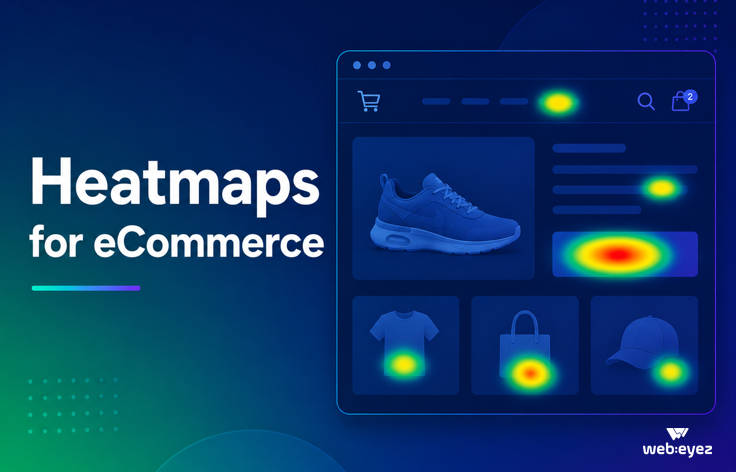
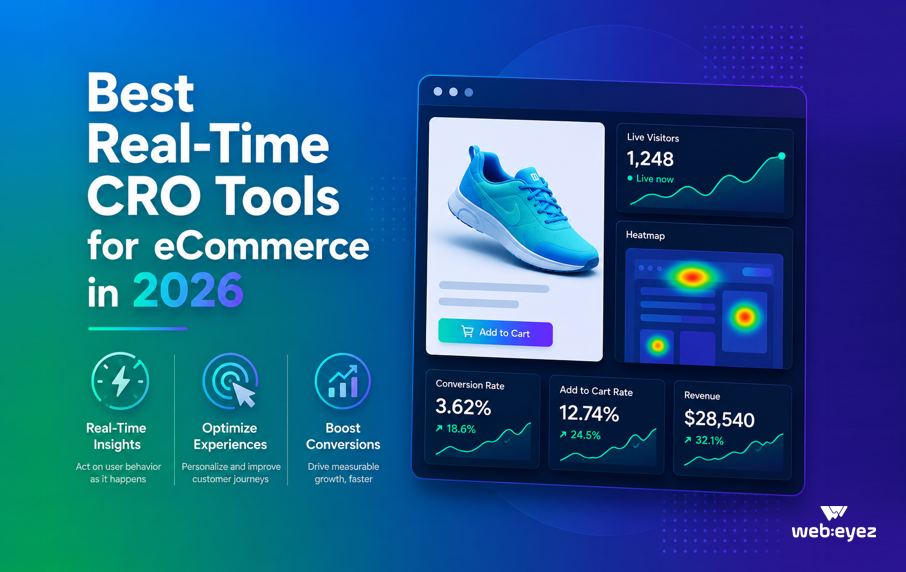
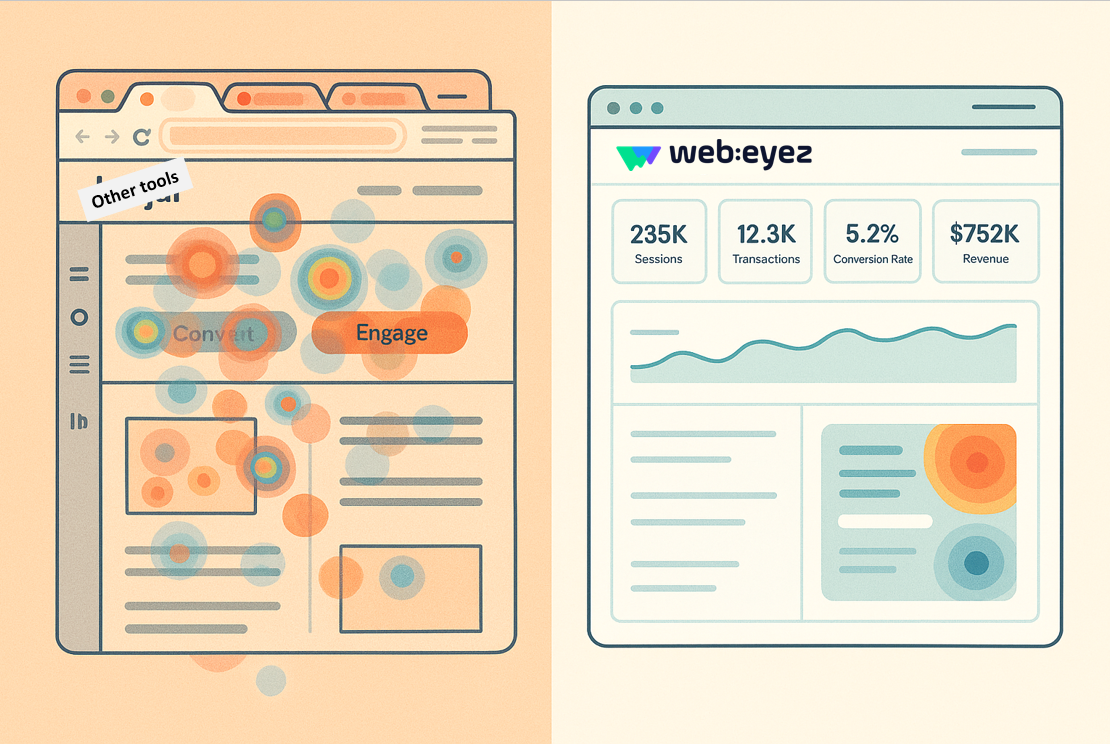
Because Webeyez now offers powerful, built-in heatmaps-the same visual clarity, integrated directly into your data-driven workflow.
So the real question becomes:
Is it the heat map you need, or a better way to turn data into action?
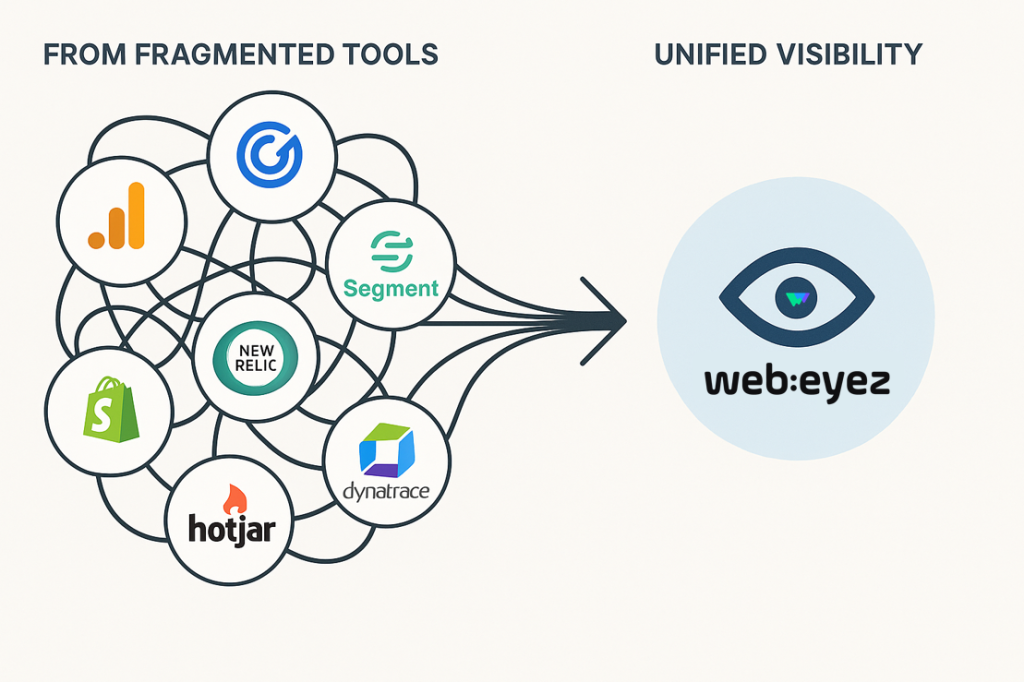
The Multi-Domain Challenge: When Tools Don’t Scale
Managing one eCommerce site is complex. Managing multiple domains – storefronts, service portals, sub-brands – multiplies that complexity exponentially.
Typical setups look like this:
-
One expensive Hotjar account capturing only a portion of traffic
-
Additional smaller accounts for sub-brands or regional teams
-
Each billed separately
-
Teams manually hopping between dashboards to get the full picture
One enterprise team told us they were paying over $45,000 annually for their main Hotjar account (capturing just 60% of traffic) plus another $5,000 for smaller business units. That’s $50K+ per year – and still no unified reporting.
The breaking point?
Getting aggregated weekly reports that actually reflect total business performance.
Learn how multi-domain analytics works →
What Teams Really Use (And Don’t Use)
When teams evaluate how they use Hotjar, they discover an uncomfortable truth:
They’re paying for features they barely use – and missing the ones they actually need.
What Marketing Teams Actually Do with Hotjar:
-
Session Recordings – Product teams watch recordings of checkout or auto-ship flows to spot friction. Valuable, but inefficient – watching hundreds of videos to find patterns wastes time.
-
Funnels – Marketing teams use funnels to trace traffic (like from engagement emails) and see drop-offs, such as on the product detail page.
-
Heat Maps – Visuals help spot high-engagement areas, e.g. “users hover on this section, so let’s analyze that navigation flow.”
All useful-until you realize none of these are connected to actual business impact.
The Real Gap: From Visual Insight to Data-Driven Action
As one marketing leader put it:
“We can still find the events with Webeyez and go at it from the data, then see the recordings afterwards. But if there was a heat map where we could leverage the behavior that we’re visually seeing to then gain ideas for A/B testing, that’s the one gap.”
That “gap” is now filled.
With Webeyez, teams start with impactful data-which pages, flows, and issues matter most-then layer in recordings and heatmaps to understand the why. No more guesswork, no more jumping tools.
Here’s what that looks like:
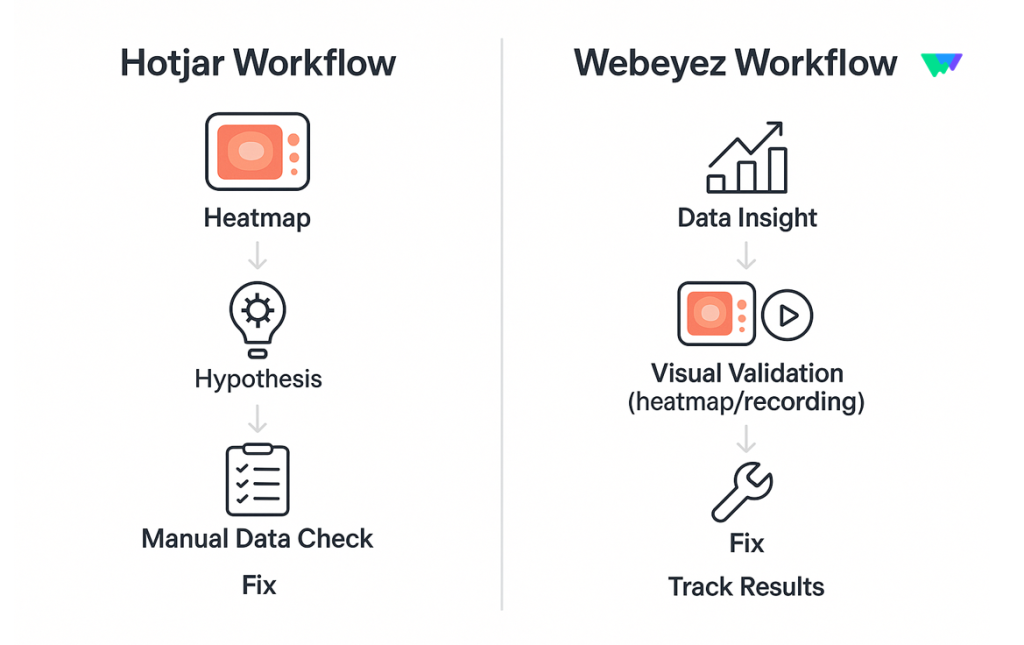
The Traditional Hotjar Workflow:
- Review heat maps to spot patterns
- Form a hypothesis
- Search for supporting data
- Prioritize fixes based on instinct
The Webeyez Workflow:
- Surface issues automatically, with quantified revenue impact
- Filter to specific scenarios (“show all sessions that canceled subscription”)
- Watch contextual recordings or view the matching heatmap
- Prioritize by business impact
- Track improvements across domains – all in one place
When your workflow starts with “what’s the problem?” you need a tool that gives the answer – not one that makes you hunt for it.
Features That Actually Drive Revenue Recovery
What Teams Use Every Day:
-
Failure Sorting – Identify and prioritize technical blockers like login or payment errors.
-
Aggregated Domain Groups – Unified weekly reports show all domain performance, finally matching internal analytics.
-
Session Filtering by Specific Events – See every session tied to a specific failure (e.g. cart abandonment) instantly.
-
Weekly Digest Emails – Automated, cross-domain summaries that bring your performance into one clear view.
What Matters Less Than You’d Think:
-
Revenue Tracking – Teams value accuracy, but in multi-domain setups, it’s the insight into why conversions fail that matters most.
Making Tools Work for Every Team
Your analytics platform shouldn’t just serve data analysts. It should empower every function:
UX and Creative Teams
-
Need visual context (heatmaps, session playback)
-
Think spatially – seeing behavior matters
Product and Engineering Teams
-
Need instant answers to “what’s broken and why”
-
Prioritize fixes by business impact
Marketing Teams
-
Need cross-domain visibility
-
Spot friction in funnels and A/B test opportunities quickly
With Webeyez, everyone’s included – no steep learning curve, no switching tools.
The Consolidation Conversation
Budget season always brings the same question:
“Can we consolidate tools and reduce costs?”
For multi-domain eCommerce companies, the math is simple:
-
Multiple Hotjar accounts = $50K+ annually
-
Fragmented visibility across domains
-
Redundant functionality
With Webeyez, teams can:
- Handle complex multi-domain reporting
- Serve both technical and creative users
- Move faster from problem to fix
- Consolidate tools – without compromise
What Success Looks Like
As one customer put it:
“We really enjoy working with your team. The way you evaluate when errors pop up and support us through recurring check-ins is super helpful.”
Success isn’t about ticking every feature box.
It’s about:
-
Partnership – Working together to solve real problems
-
Responsiveness – Issues resolved in real time
-
Continuous Improvement – Features that evolve with your needs
-
Efficiency – Tools that make teams faster, not busier
And yes – that includes integrated heatmaps that make Hotjar unnecessary.

Learn how Success Looks Like →
The Path Forward
If you’re managing multiple domains and juggling multiple analytics tools, here’s how to simplify your workflow:
- Audit Your Stack – Which tools do you actually use?
- Identify What Matters – Visuals, insights, or both?
- Test Real Scenarios – Use your actual flows, teams, and KPIs.
- Calculate True Cost – Include time, tools, and fragmentation.
- Plan the Switch – Align timing, teams, and success criteria.
Ready to See It in Action?
We believe in showing, not telling.
That’s why we offer:
-
30-day free trial (full access, no credit card)
-
White-glove integration for businesses with 200K+ sessions
-
Dedicated success team to guide your setup
Hotjar’s heat maps show where users click.
Webeyez shows you why they do – and how to fix what’s costing you money.
Let’s make your analytics work harder (and smarter).
[Book your demo] – and see how Webeyez replaces not just Hotjar, but the entire patchwork of disconnected analytics tools.
See the difference for yourself.
Get Your Free Demo and explore how Webeyez unifies visual insights and data to replace Hotjar completely.