

9 Reasons CRO Software Fails in eCommerce Teams
TL;DR
Most conversion optimization software promises quick wins. In reality, many eCommerce teams still struggle to move the needle. This isn’t a tooling problem – it’s a combination of data gaps, workflow breakdowns, and missing visibility into what actually impacts revenue.
Here are the nine most common reasons CRO tools underperform – and how to fix them.
1. Teams focus on traffic, not conversion problems
It’s still common: more budget goes into acquisition than optimization – even though most sites convert just 2–3% of visitors.
That means the majority of effort ignores the real issue: why users don’t convert.
Why CRO tools fail here:
They’re used reactively – after traffic drops or campaigns underperform.
Fix:
Shift from “more traffic” to maximizing existing traffic value. Prioritize tools that surface conversion blockers in real time, not just dashboards.
2. Data is fragmented across too many tools
Analytics, heatmaps, A/B testing, surveys – each lives in its own silo.
The problem:
Teams struggle to connect what happened with why it happened.
Even Shopify highlights that CRO requires combining analytics, behavior tools, and testing platforms to understand performance holistically.
Fix:
Unify insights – or use platforms that connect behavior, performance, and errors in one view.
3. Teams rely on quantitative data without context
Google Analytics shows drop-offs. But it doesn’t explain them.
As noted, analytics tools can identify funnel issues but can’t reveal why users leave.
Why this breaks CRO:
Decisions become guesswork disguised as data.
Fix:
Combine:
- Quantitative data (funnels, metrics)
- Qualitative insights (session replay, frustration signals)
This is where customer experience monitoring becomes essential.
4. A/B testing is overused – and underpowered
A/B testing is often treated as the core of ecommerce conversion rate optimization.
But testing alone doesn’t create insights – it validates them.
Reality:
Without strong hypotheses, teams end up testing button colors instead of fixing real issues.
Fix:
Test after identifying friction:
- Broken flows
- UX blockers
- Performance issues
Otherwise, you’re optimizing symptoms, not causes.
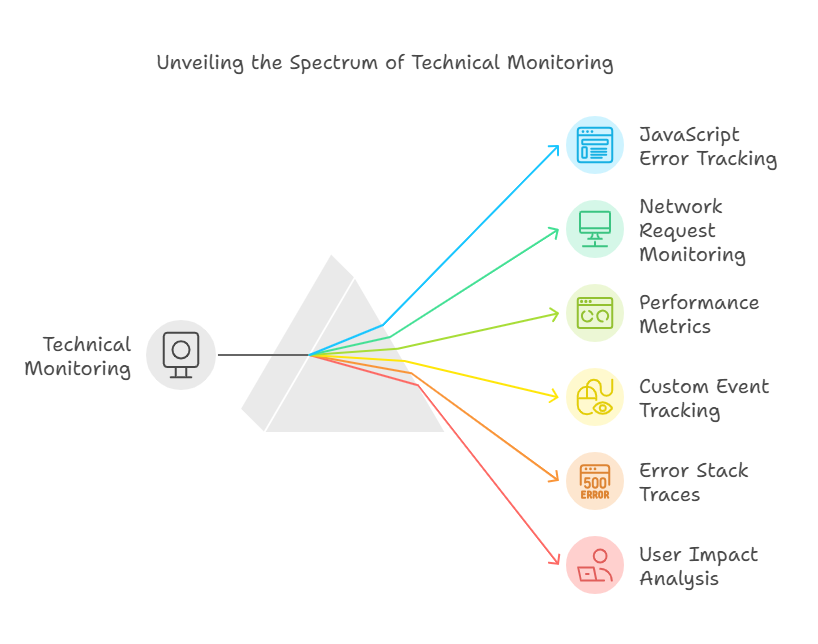
5. Technical issues go unnoticed (and kill revenue)
Here’s the uncomfortable truth:
Many conversion drops are caused by bugs, errors, or broken elements – not design choices.
- Slow load times increase drop-offs
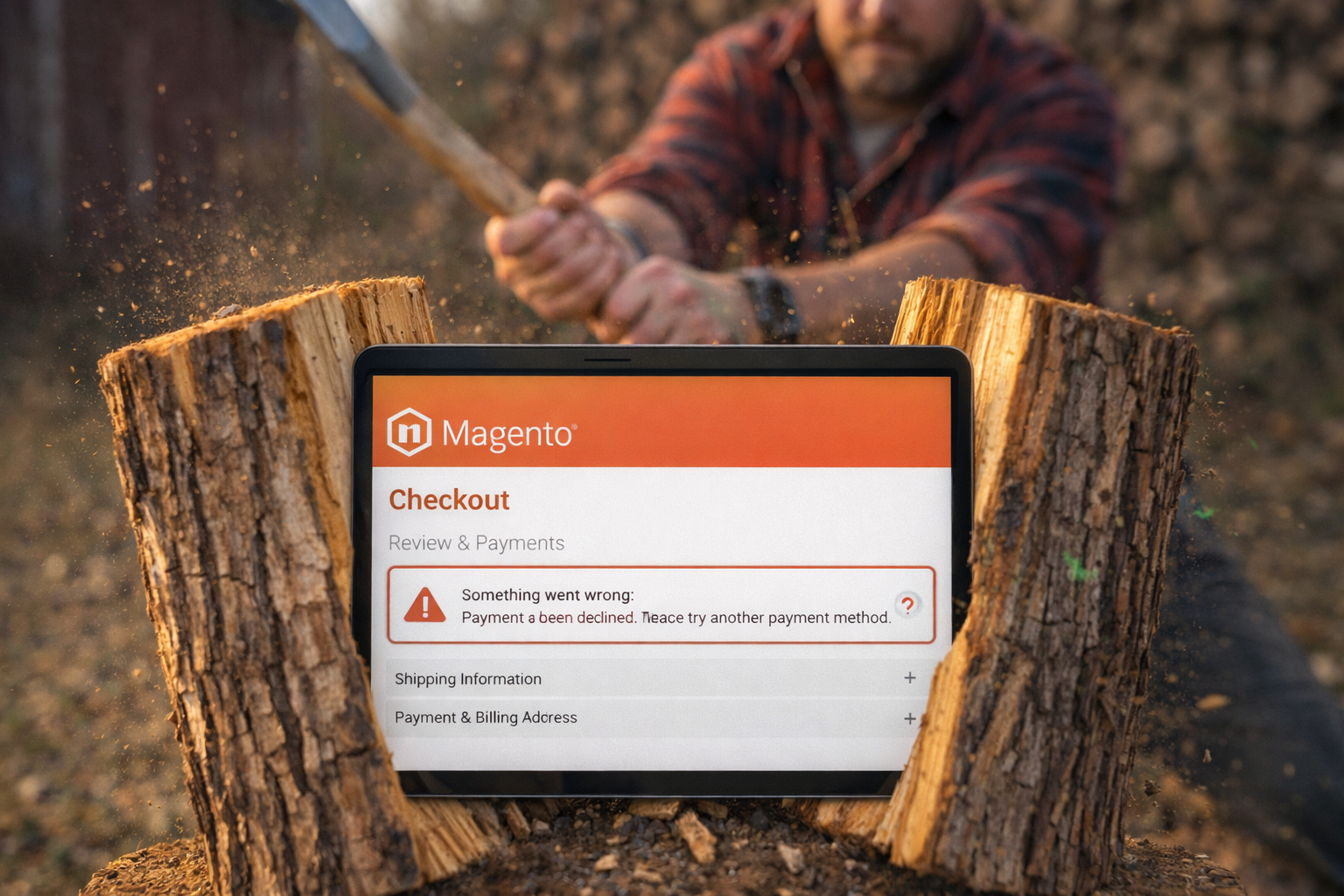
- Checkout errors drive abandonment
- Broken scripts disrupt journeys
Even a 1-second delay can significantly impact conversions.
Why CRO tools fail:
Most don’t monitor technical issues in real time.
Fix:
Add site error detection and monitoring into your CRO stack.
This is where platforms like Webeyez play a critical role – surfacing revenue-impacting issues before they scale.
6. No prioritization of revenue impact
Not all conversion issues are equal.
But many teams:
- Chase small UX tweaks
- Ignore high-impact failures
Meanwhile, cart abandonment rates still hover around ~70%.
Why tools fail:
They highlight activity – not impact.
Fix:
Prioritize:
- Issues affecting checkout
- High-traffic pages
- Revenue-critical flows
Look for tools that tie issues directly to lost revenue, not just clicks.
7. CRO workflows are slow and disconnected
CRO is supposed to be iterative. In practice, it’s often:
- Insight → backlog → dev queue → delay
By the time changes go live, the opportunity is gone.
Why this matters:
CRO is a continuous process – not a one-time project.
Fix:
Shorten the loop:
- Detect → prioritize → act
- Automate alerts for critical issues
- Align product, marketing, and dev teams around shared data
8. Mobile experience is under-optimized
Mobile drives most traffic – but converts significantly worse.
- Mobile conversion rates can be 50–60% lower than desktop
Why CRO tools fail:
Desktop-first insights don’t translate to mobile behavior.
Fix:
Segment aggressively:
- Device
- Channel
- User type
And monitor mobile-specific friction, not just overall metrics.
9. CRO is treated as a tool – not a system
The biggest misconception:
Buying CRO tools = doing CRO.
In reality, CRO is a system of:
- Data
- Testing
- Monitoring
- Continuous improvement
As experts note, CRO tools only work when used within a structured process – not as standalone solutions.
So what actually fixes CRO?
The pattern is clear.
CRO fails when teams:
- Lack visibility
- Miss technical issues
- Prioritize the wrong problems
It succeeds when they:
- Connect behavior to revenue
- Detect issues in real time
- Act on high-impact insights quickly
Where Webeyez fits in
Most CRO tools for ecommerce help you test.
Fewer help you protect conversions already at risk.
Webeyez addresses the gap by focusing on:
- Revenue-impacting error monitoring
- Frustration signals tied to user behavior
- Real-time detection of conversion blockers
It doesn’t replace experimentation – it makes sure you’re testing the right things.
Final takeaway
If your CRO program isn’t moving the needle, it’s rarely because you picked the wrong tool.
It’s because:
- You’re missing context
- You’re reacting too late
- Or you’re optimizing the wrong layer
Fix those – and suddenly, your conversion optimization software starts doing what it was meant to do.
Sources
- 7 Best Website Conversion Optimization Tools (2026) (attached article)
- Shopify – eCommerce CRO Tools & Strategy Guide (2026)
- Growth Engines – eCommerce CRO Benchmarks & Impact
- ECOSIRE – Ecommerce Conversion Data & Benchmarks (2026)
- Adobe – Common CRO Mistakes & Strategy
- CRO Benchmark – Conversion Optimization Challenges
- MyDesigns – Impact of Site Speed on Conversions
- Hyperspeed – Why CRO Tools Fail Without Process
- Qualimero – CRO Process & Continuous Optimization